

Latest Version
Nero AG
Media
Windows
Free
9p74lc7pj20g
Report a Problem
More About Video Converter!
A Seamless Media Conversion Experience on Windows
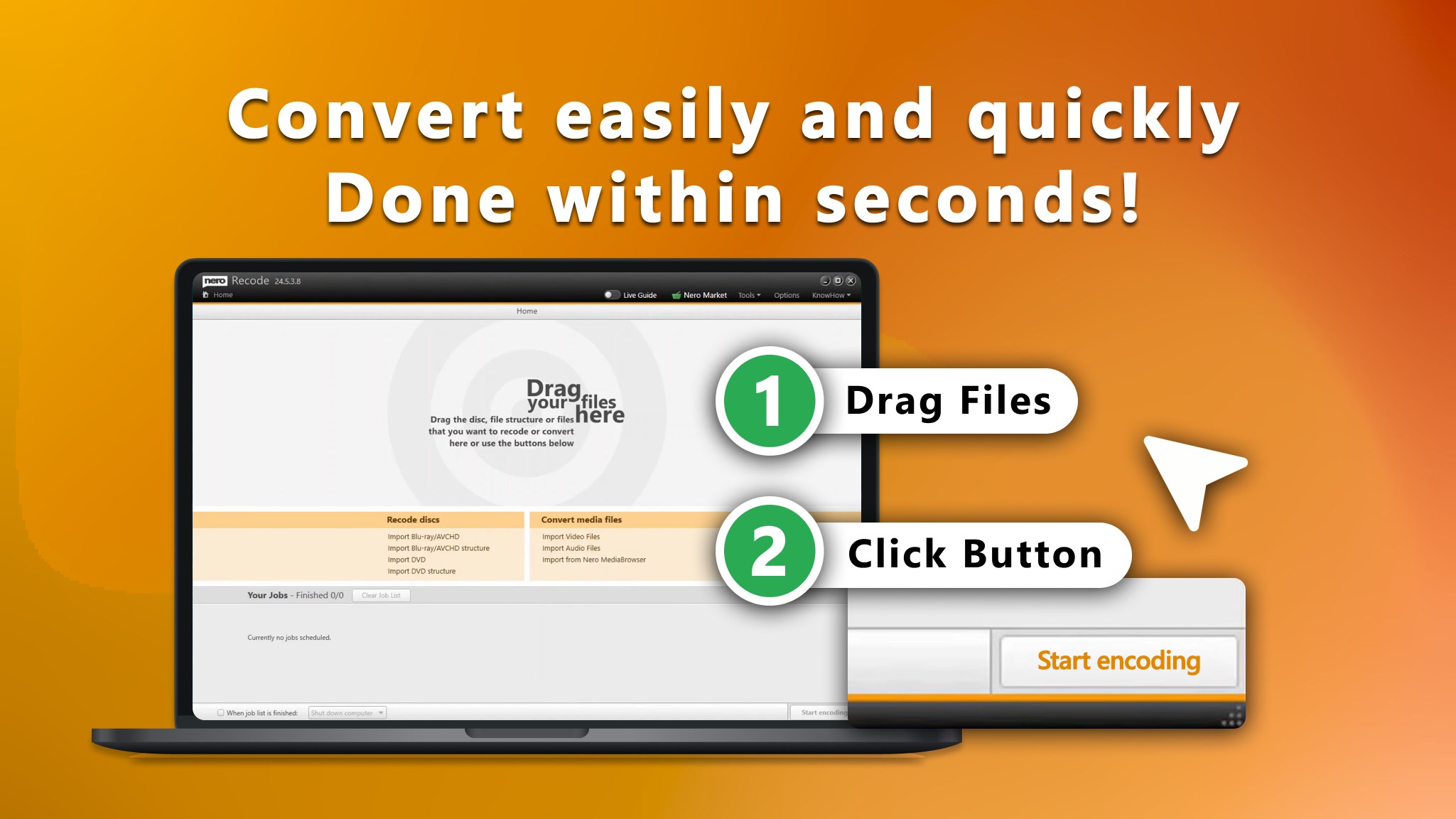
Finding a reliable media transcoder can be a challenge, but the Video Converter! Windows media tool by Nero AG simplifies the process. From the moment you launch the application, the focus is entirely on efficiency. Rather than burying essential features under layers of complex menus, the interface presents a clean, three-step workflow that lets you import, tweak, and convert your files almost instantly. Whether you are dealing with incompatible video formats or trying to extract audio from a clip, this utility handles the heavy lifting without requiring advanced technical knowledge.
Key Capabilities of Video Converter!
This software is built to handle a wide range of audio and video tasks. Here is a breakdown of what it brings to your desktop:
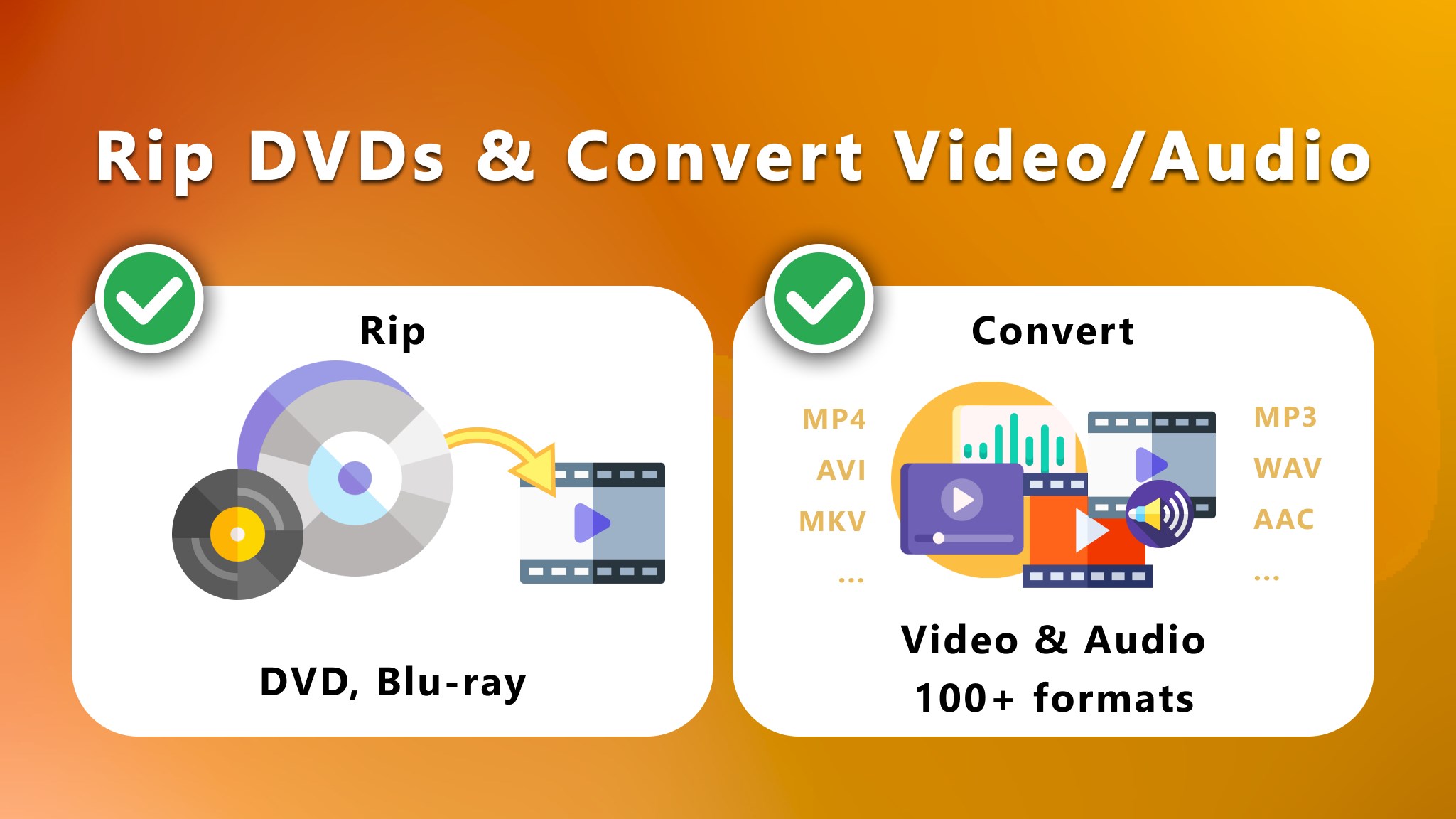
- All-Format Support: Convert seamlessly between MKV, MP4, AVI, MP3, WAV, and over 100 other popular media formats.
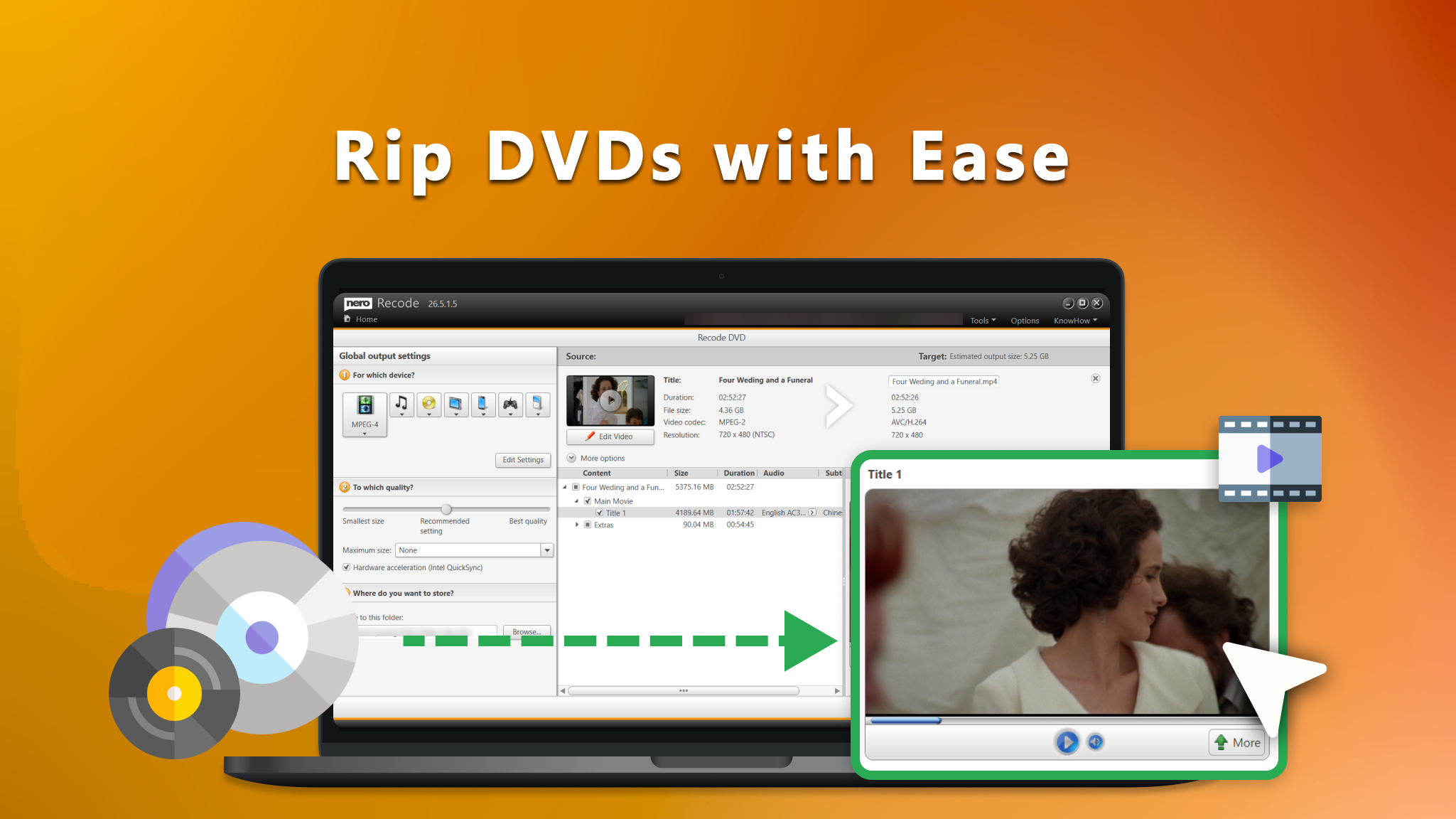
- Disc Ripping: Digitize your non-copy-protected DVD-Video™ and Blu-ray Disc™ media to enjoy your physical collection on modern digital devices.
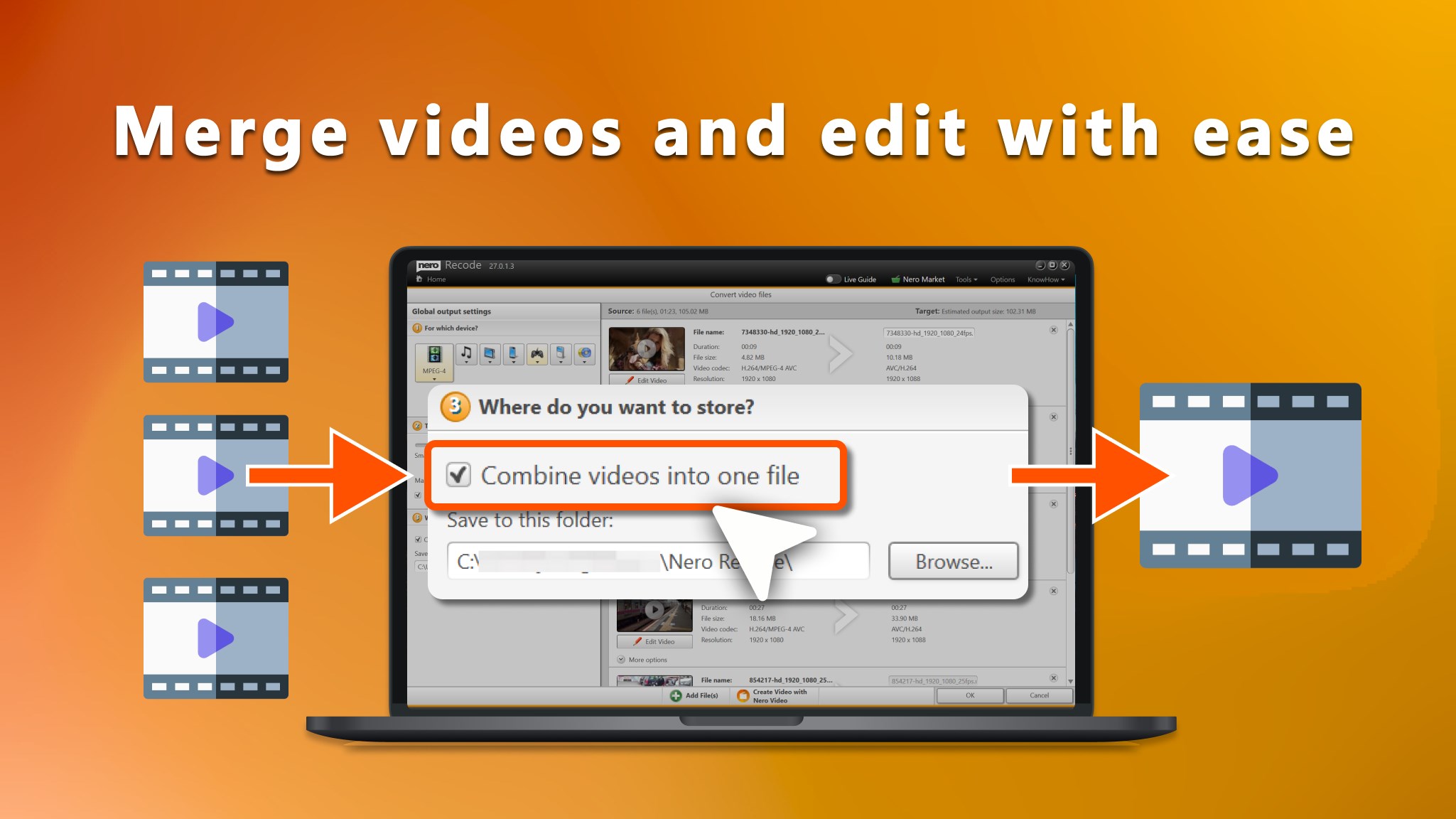
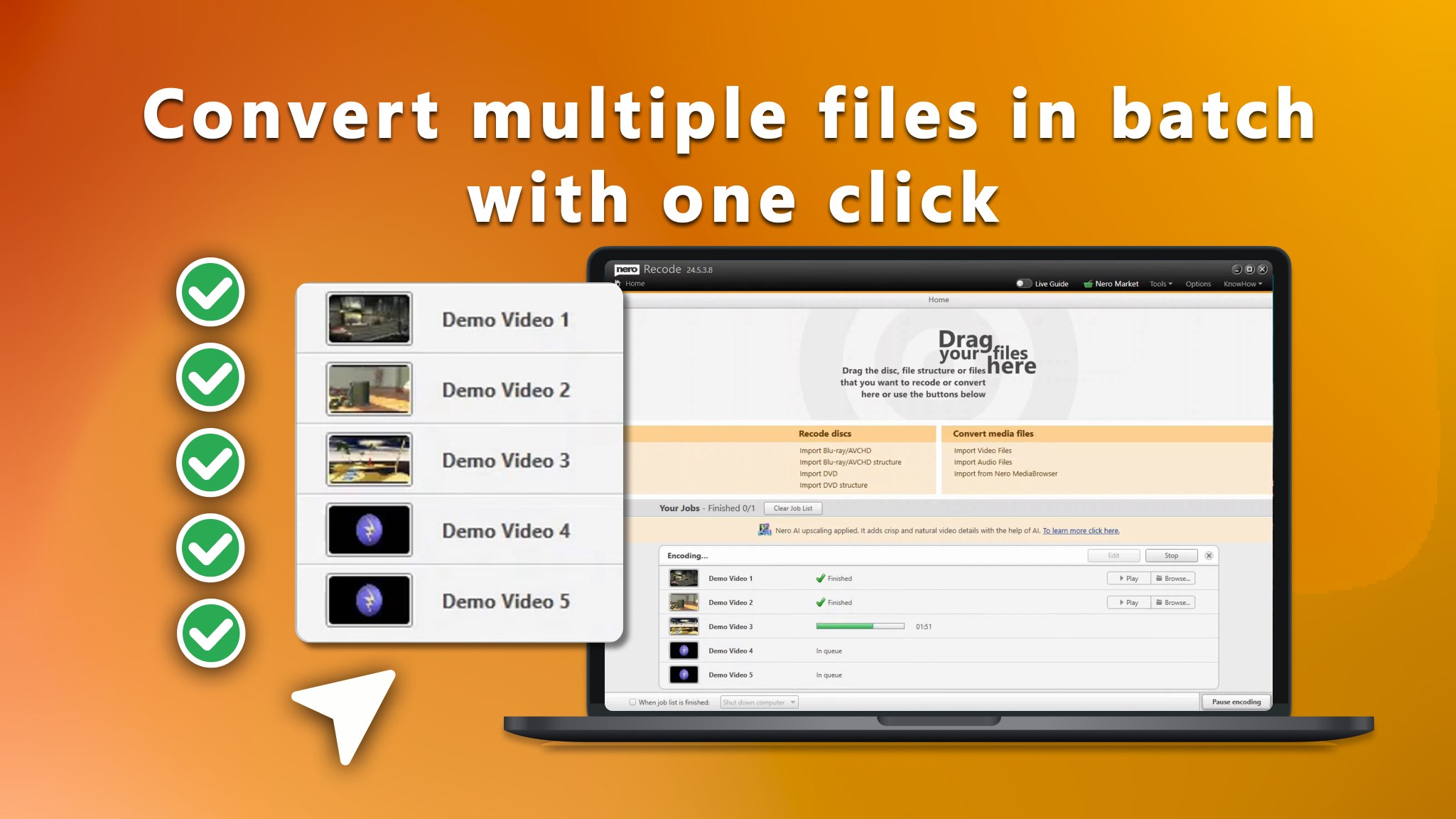
- Batch Processing: Save time by importing entire folders of media files and converting them simultaneously without losing original quality.
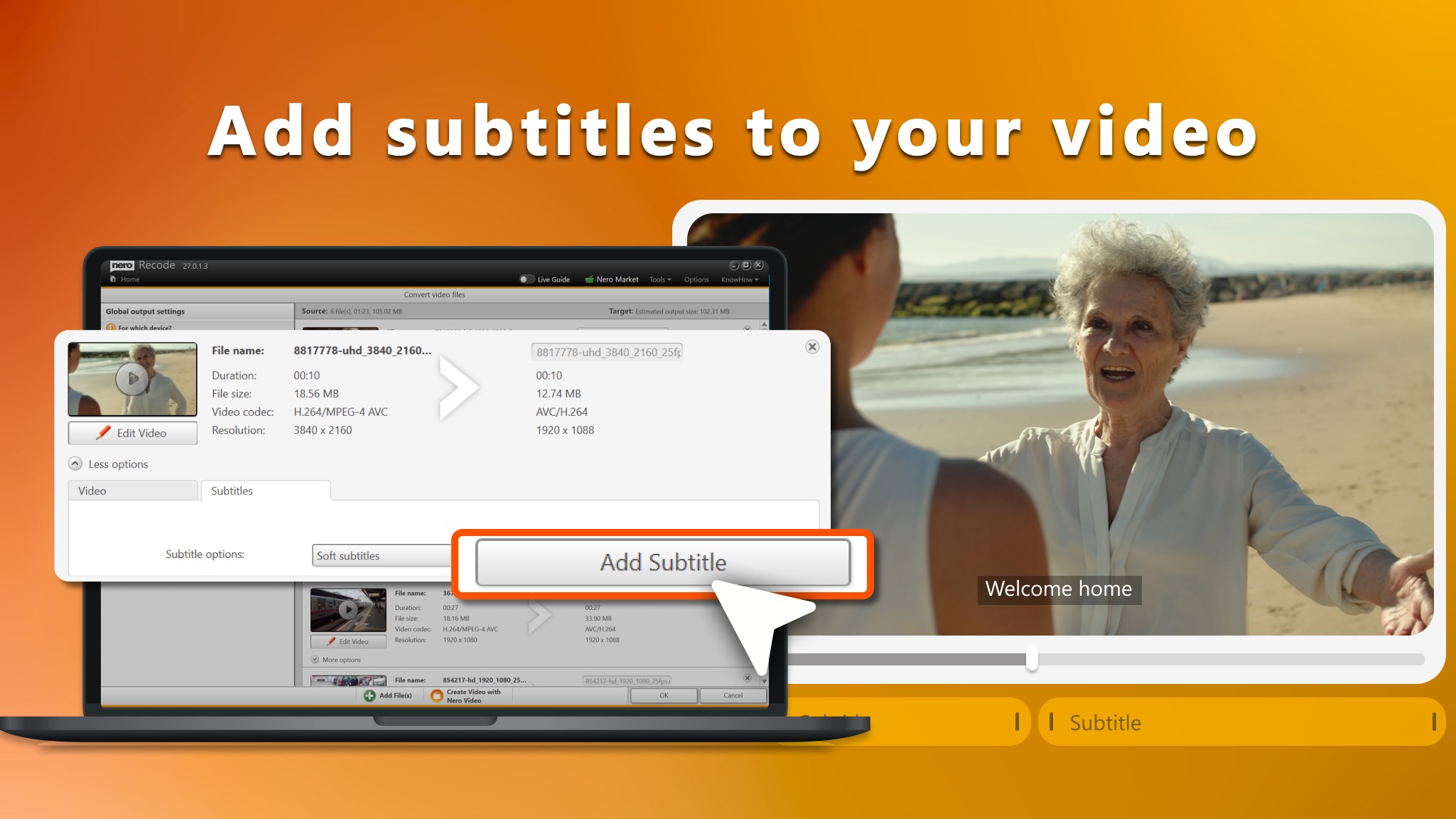
- Essential Editing Tools: Quick, one-click tools allow you to rotate flipped videos, trim unwanted footage, or crop frames before processing.
- Device Optimization: Choose pre-configured output profiles tailored for iOS, Android, PlayStation®, Xbox®, and other popular hardware.
Who Is This Media Utility For?
The Video Converter! Windows media tool is highly recommended for users who regularly handle diverse media formats and need a dependable, no-nonsense desktop converter. It is especially useful for content creators needing quick edits, collectors looking to digitize unprotected optical discs, and anyone frustrated by files that refuse to play on their tablets or gaming consoles. While advanced professionals might look for deep command-line configurations, everyday users will appreciate the balance of speed, simplicity, and format versatility.
Our Verdict
Nero AG has delivered a highly practical tool that removes the friction from file conversion. By combining robust batch processing with lightweight editing features, it serves as an excellent all-in-one media companion for Windows users. If you are ready to streamline your media library, you can find the official download and trial details on the Microsoft Store.
Rate the App
User Reviews





Popular Apps










Editor's Choice