

Latest Version
White Moonlight
Media
Windows
Free
9n7vz0b3pnvf
Report a Problem
More About Any Video Converter - HEVC Support
The Frustration of Incompatible Video Formats
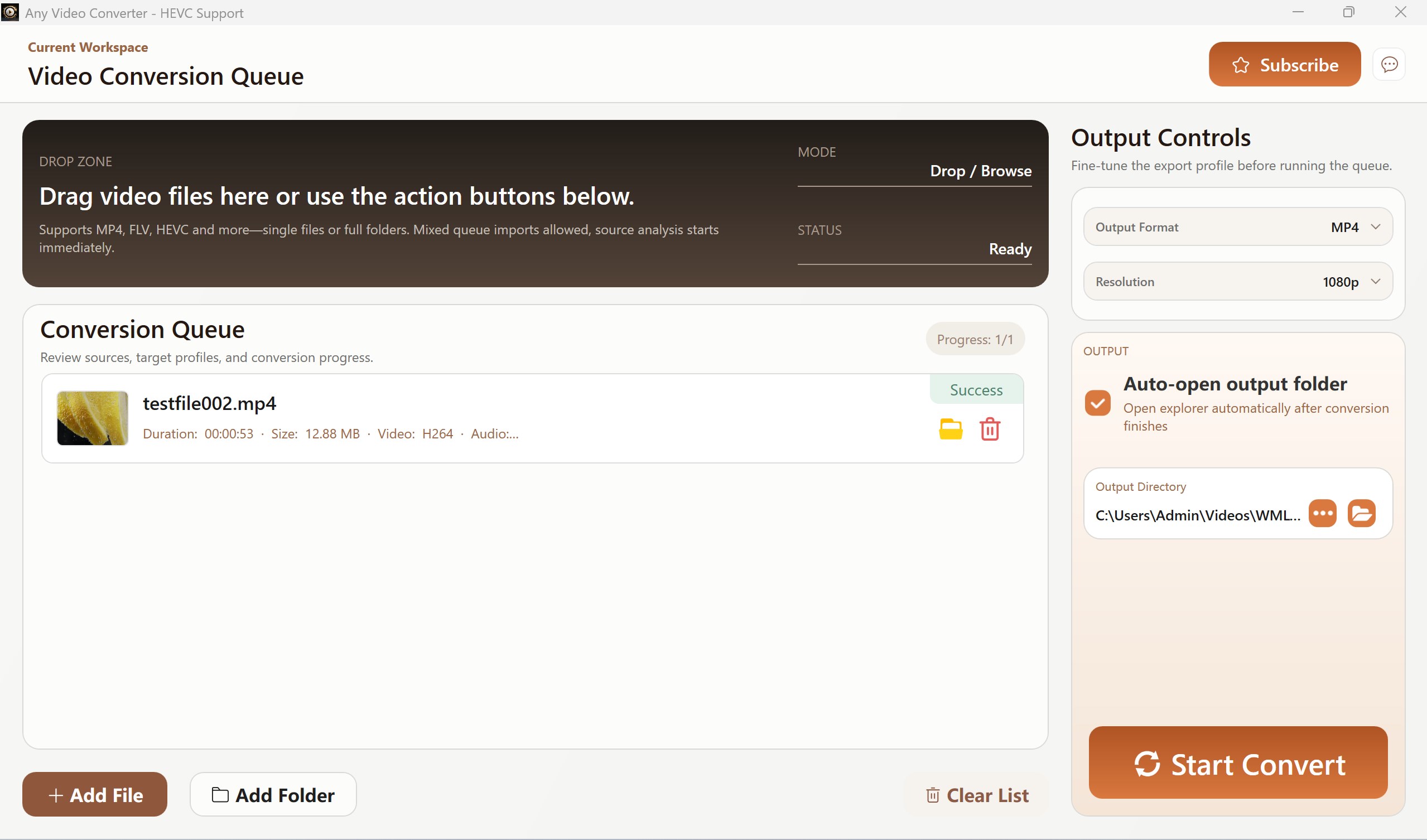
Picture this: you have just finished recording a high-quality video or downloaded a crucial media file for a presentation, only to find that your system refuses to play it due to a missing codec or unsupported container. High-Efficiency Video Coding (HEVC) is fantastic for saving disk space, but compatibility issues on Windows systems remain a common headache. This is where the Any Video Converter - HEVC Support video conversion tool steps in to bridge the gap, offering a streamlined way to transcode your files without complex configurations.
What is Any Video Converter - HEVC Support?
Developed by White Moonlight, Any Video Converter - HEVC Support video conversion tool is a dedicated utility built specifically for the Windows platform. It addresses the modern demand for lightweight, high-efficiency video transcoding. Designed for both casual users who need quick format adjustments and professionals managing media assets, this application focuses on speed, clarity, and ease of use.
Standout Features of this Conversion Tool
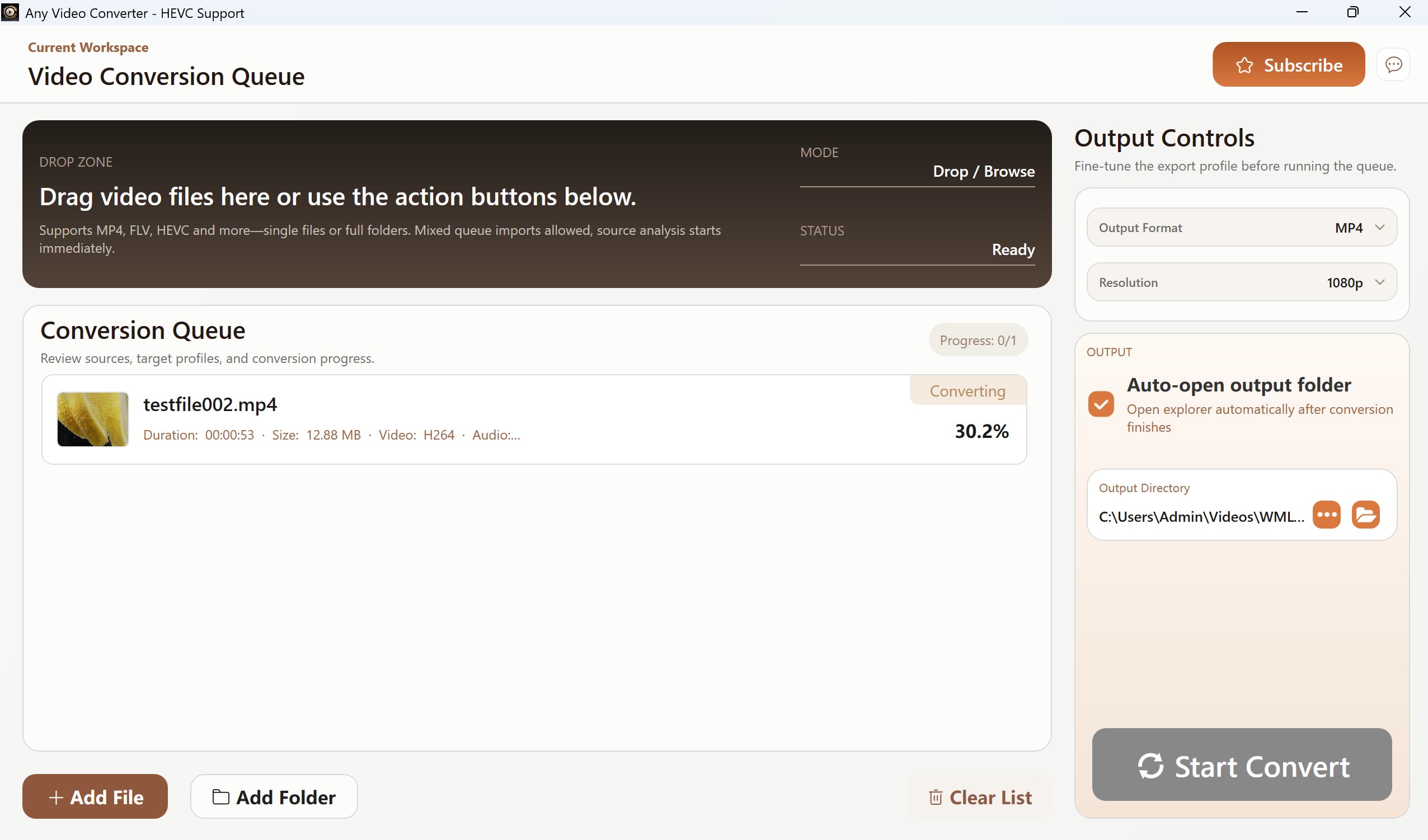
- Accelerated Conversion Speeds: The software is engineered to minimize processing times, allowing you to convert large high-definition files rapidly.
- Ad-Free Workspace: Unlike many free multimedia utilities that disrupt your workflow, this application provides an environment completely free of intrusive advertisements.
- Clean, Watermark-Free Output: Your creative assets remain entirely yours. The converter does not append promotional watermarks or logos to your finished files.
- Modern Codec Support: Easily convert files to and from highly compressed formats like HEVC, alongside legacy standards such as MP4, MKV, and WMV.
Tiered Options: Free vs. VIP Access
To accommodate different user requirements, the developer offers two distinct functional tiers:
The Free Tier
Ideal for quick, one-off tasks, the free version supports single video conversions up to 10 minutes in duration, outputting directly to the highly compatible MP4 format.
The VIP Tier
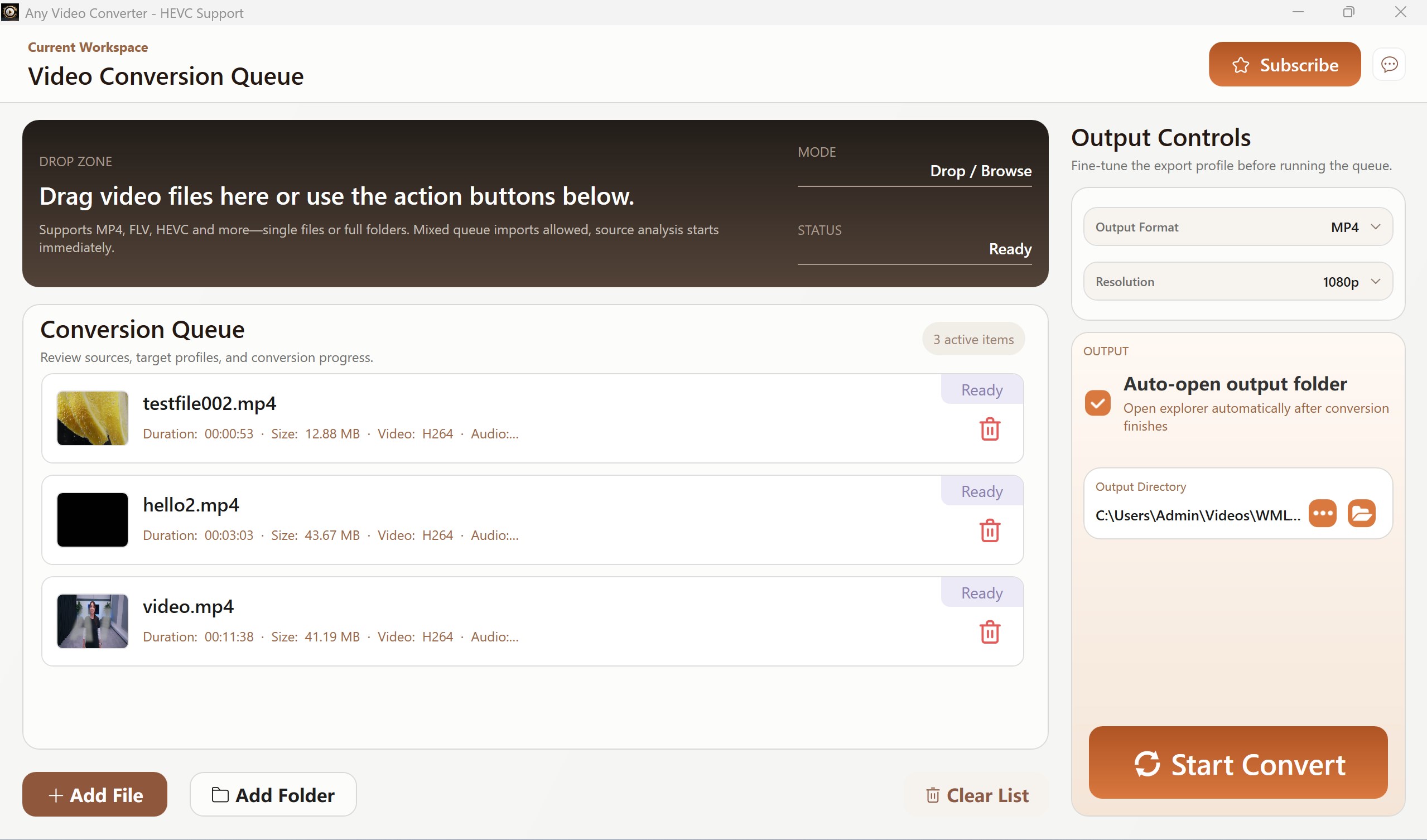
For power users, upgrading to the VIP tier removes all duration limits, unlocks batch conversion capabilities for processing multiple files simultaneously, and provides access to a wider variety of output formats.
Final Verdict
Whether you need to quickly optimize a single video clip or batch-process an entire library into modern codecs, the Any Video Converter - HEVC Support video conversion tool delivers a reliable, clean, and intuitive experience on Windows. To explore this software further and add it to your media toolkit, head over to the official Microsoft Store page to get started.
Rate the App
User Reviews





Popular Apps










Editor's Choice