

Latest Version
Ostfriese4
Education
Linux
Free
page.codeberg.ostfriese4.Untis
Report a Problem
More About Timetable WebUntis Client
A Streamlined Way to View Your School Schedule
Managing your daily classes and lectures shouldn't require navigating a heavy, cluttered web interface. The Timetable WebUntis client is a dedicated Linux application designed specifically to bring your academic schedule directly to your desktop. Developed by Ostfriese4, this lightweight utility acts as an unofficial client for the widely used WebUntis school management system, stripping away administrative bloat to focus entirely on what matters most to learners: where you need to be and when.
Key Features of the Timetable WebUntis Client
Unlike full-scale enterprise portals, this educational tool optimizes your daily routine by prioritizing speed and readability. Here is what makes the application stand out for Linux users:
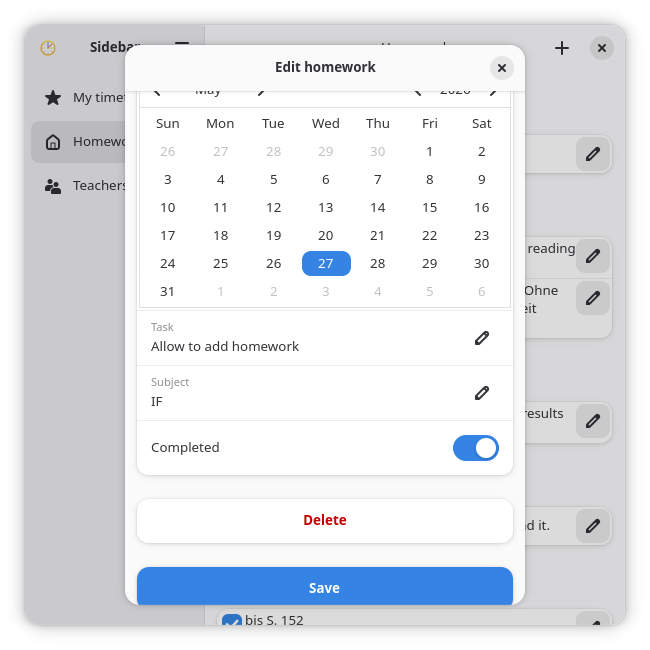
- Student-Centric Interface: The layout is engineered around the daily academic workflow, omitting complex teacher-only administrative tools to keep your dashboard clean.
- Native Linux Performance: Built natively for Linux environments, it runs smoothly without the high memory overhead of keeping a constant browser tab open.
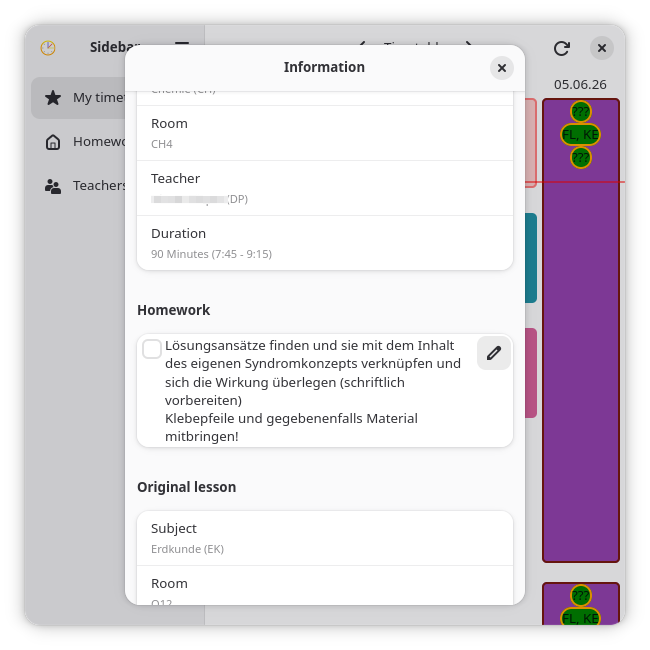
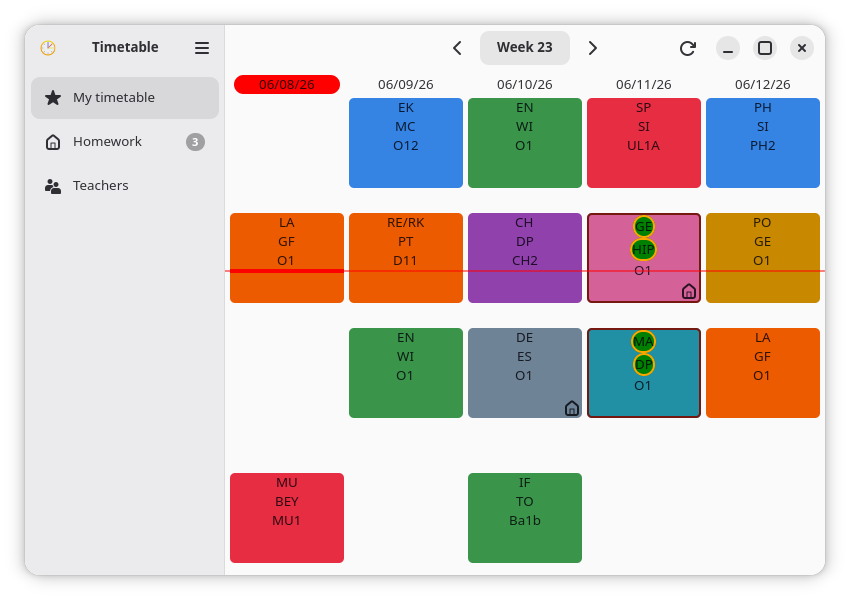
- Quick Access to Classes: View your upcoming lectures, room changes, and daily timetables instantly upon launching the application.
Who Is This Application For?
If you are a student attending an institution that utilizes the WebUntis platform for scheduling, you know that checking your classes on a traditional browser can sometimes be tedious. The Timetable WebUntis client is perfect for students who prefer a dedicated, distraction-free desktop application on their Linux system. It provides a straightforward, read-only view of your calendar, helping you prepare for your academic day in seconds.
Get Started with Your Schedule
By streamlining schedule access, this application helps you stay organized without the hassle of navigating complex web portal menus. If you want to simplify how you track your classes, you can explore the official build and learn more on the Flathub store page.
Rate the App
User Reviews









Popular Apps










Editor's Choice