

Latest Version
hotlittlewhitedog
Education
Linux
Free
org.hlwd.sonofman
Report a Problem
More About Sonofman
The Challenge of Accessing Scripture in the Command Line
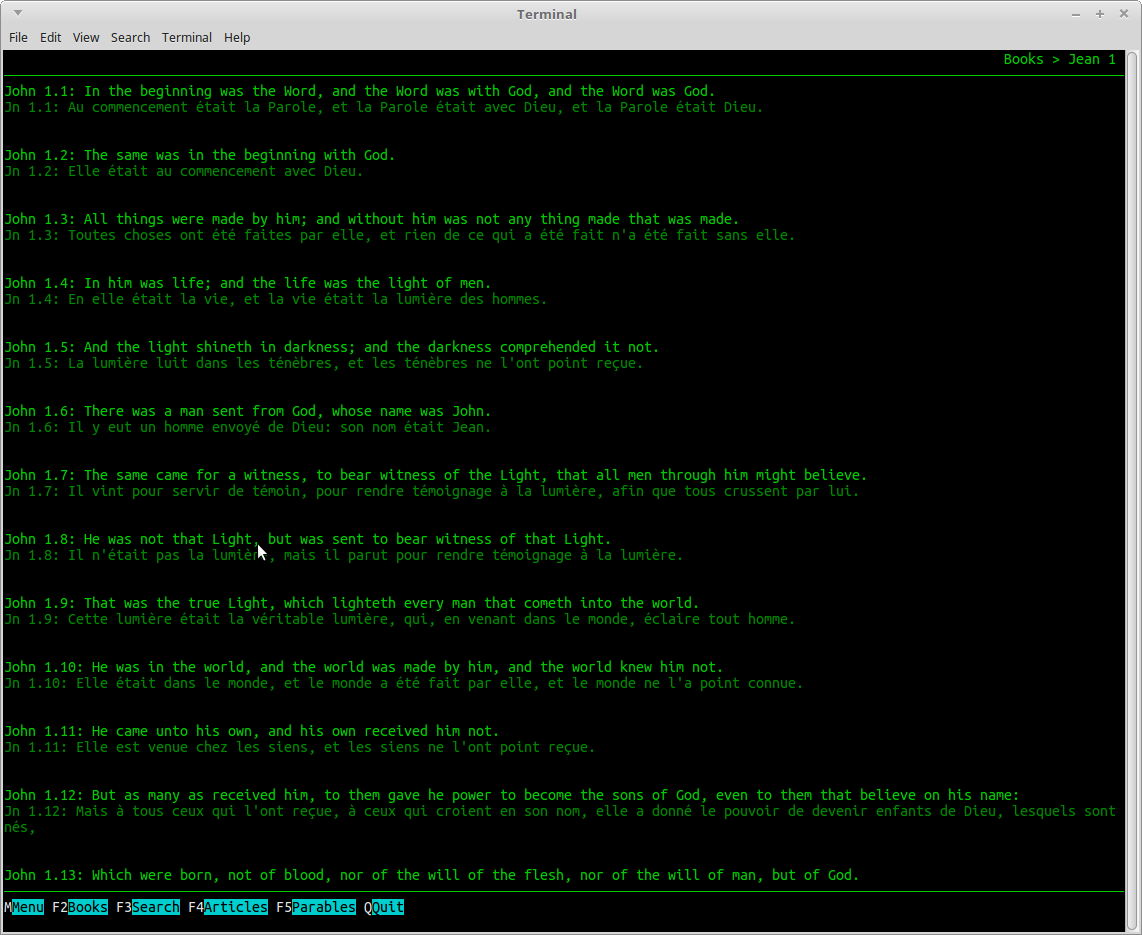
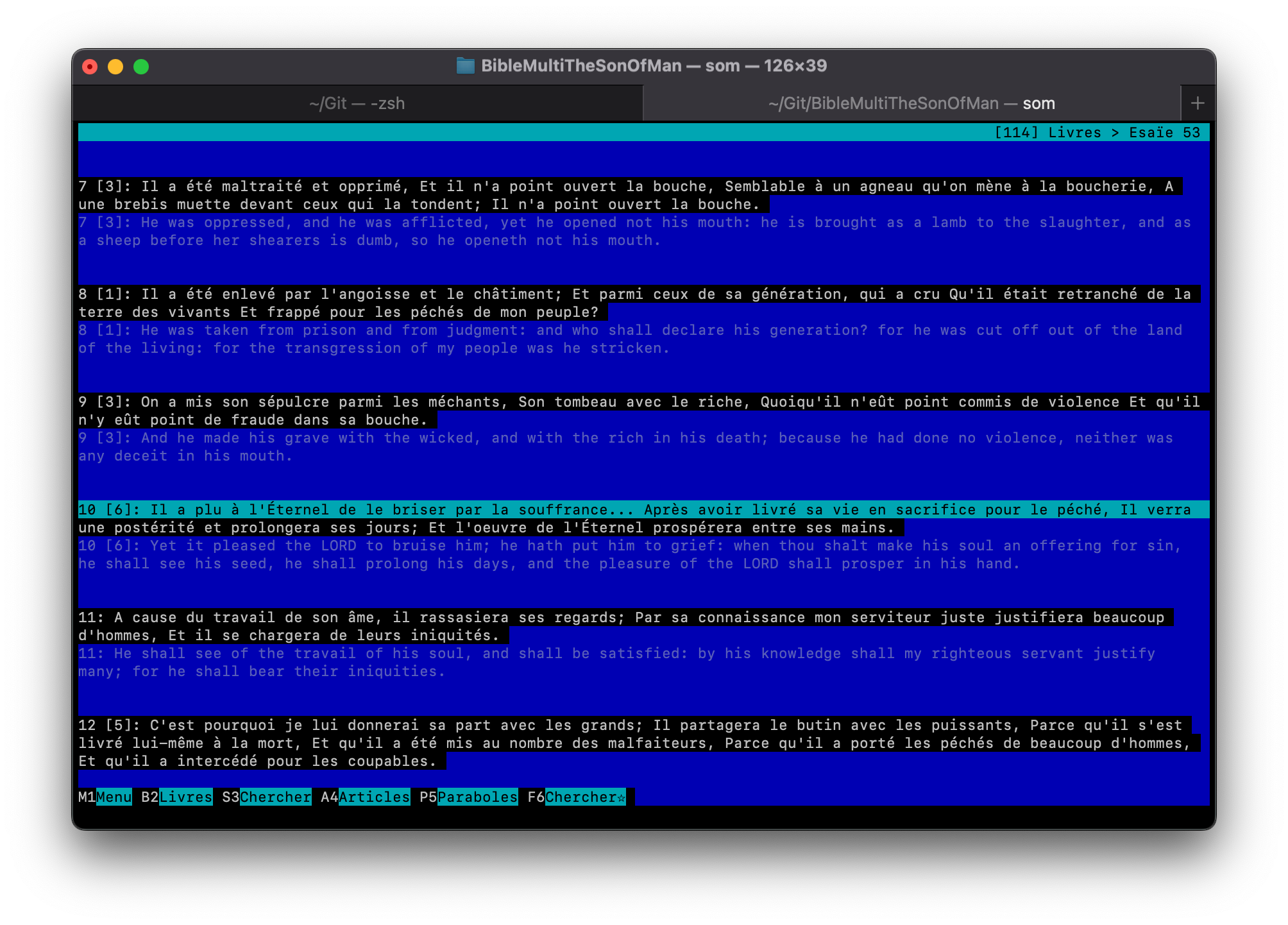
For developers, system administrators, and command-line enthusiasts, switching away from the terminal to a heavy web browser or a resource-intensive graphical application just to look up a reference can disrupt a focused workflow. Finding a lightweight, distraction-free way to read scripture locally has historically been a challenge. The Sonofman offline terminal Bible solves this problem by bringing multi-language holy texts directly into your terminal session, eliminating unnecessary graphical overhead entirely.
What is the Sonofman Offline Terminal Bible?
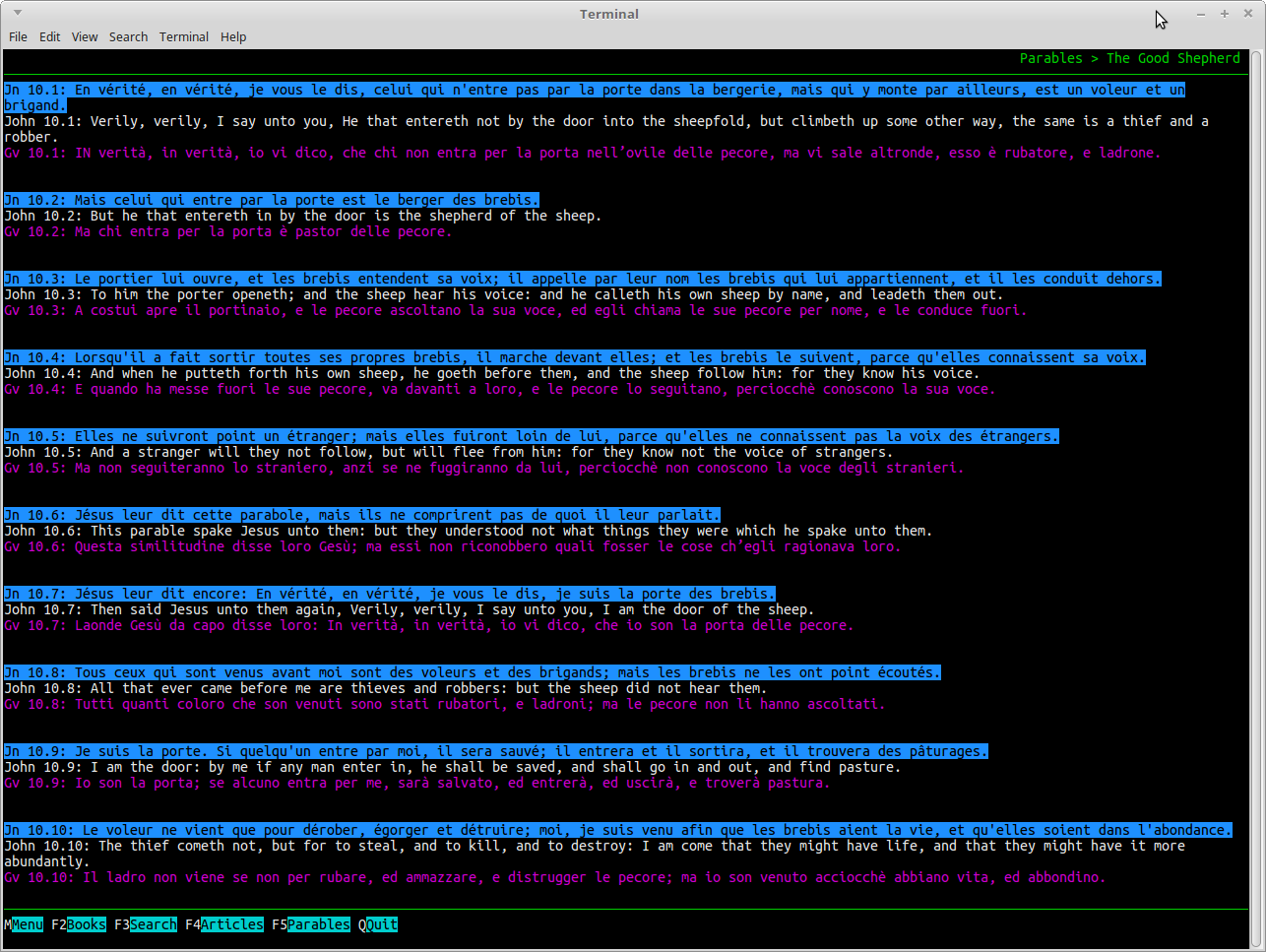
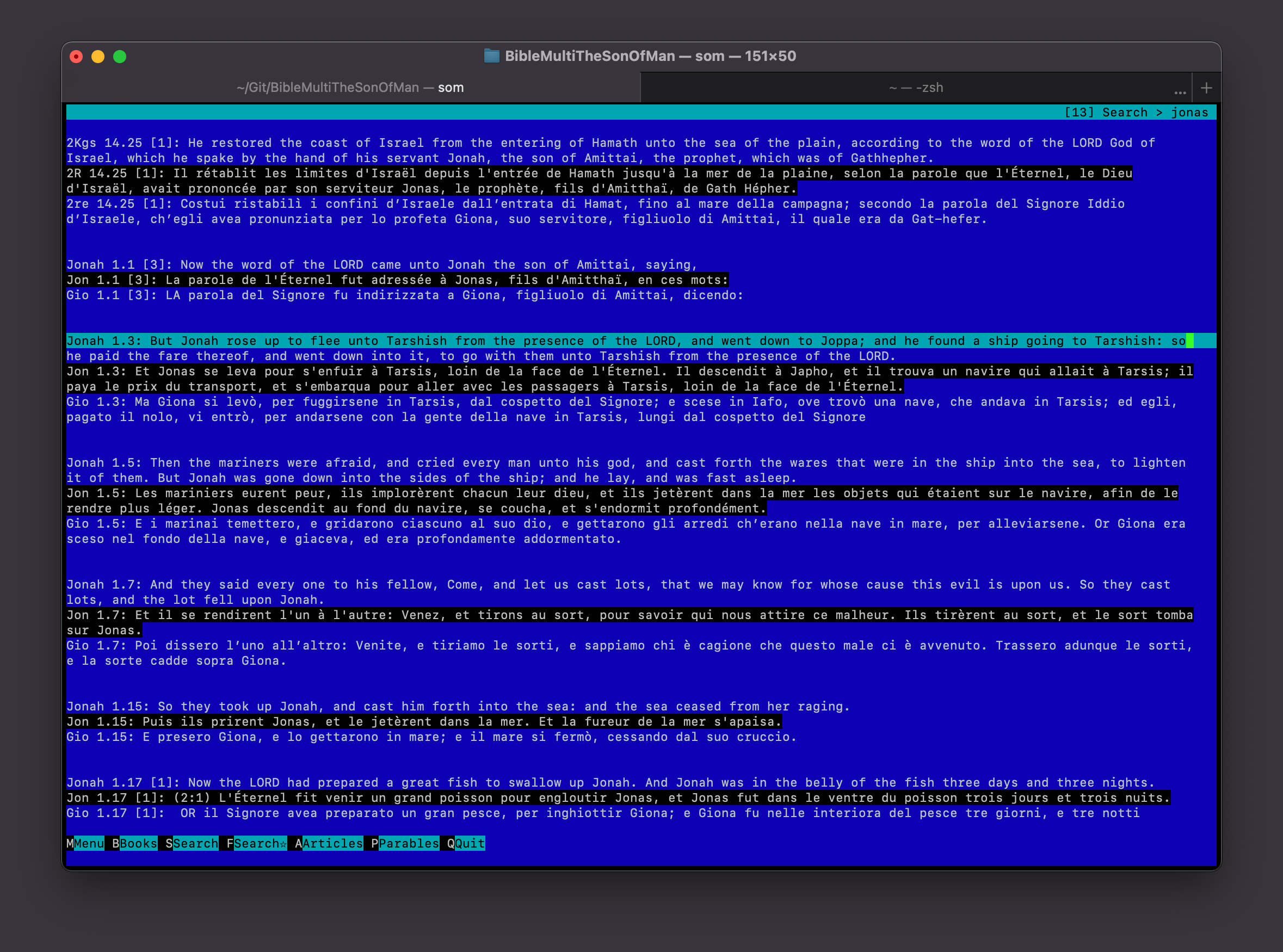
Developed by hotlittlewhitedog, Sonofman (also known as BibleMultiTheSonOfMan) is an open-source command-line application built specifically for those who prefer the efficiency of keyboard-driven navigation. Running on Python and Ncurses, this educational tool is incredibly light on CPU and memory usage. It is highly portable, with packages available for Flatpak, Snap, PyPI, and compatibility spanning Linux, Raspberry Pi, ARM architectures, macOS, Windows (via Cygwin), and Android (via Termux).
Key Features of Sonofman
- True Offline Access: Once set up, the application requires absolutely no active internet connection, making it perfect for secure environments or offline study.
- Zero Advertisements: Enjoy a completely clean, quiet, and undistracted reading environment with no monetization clutter.
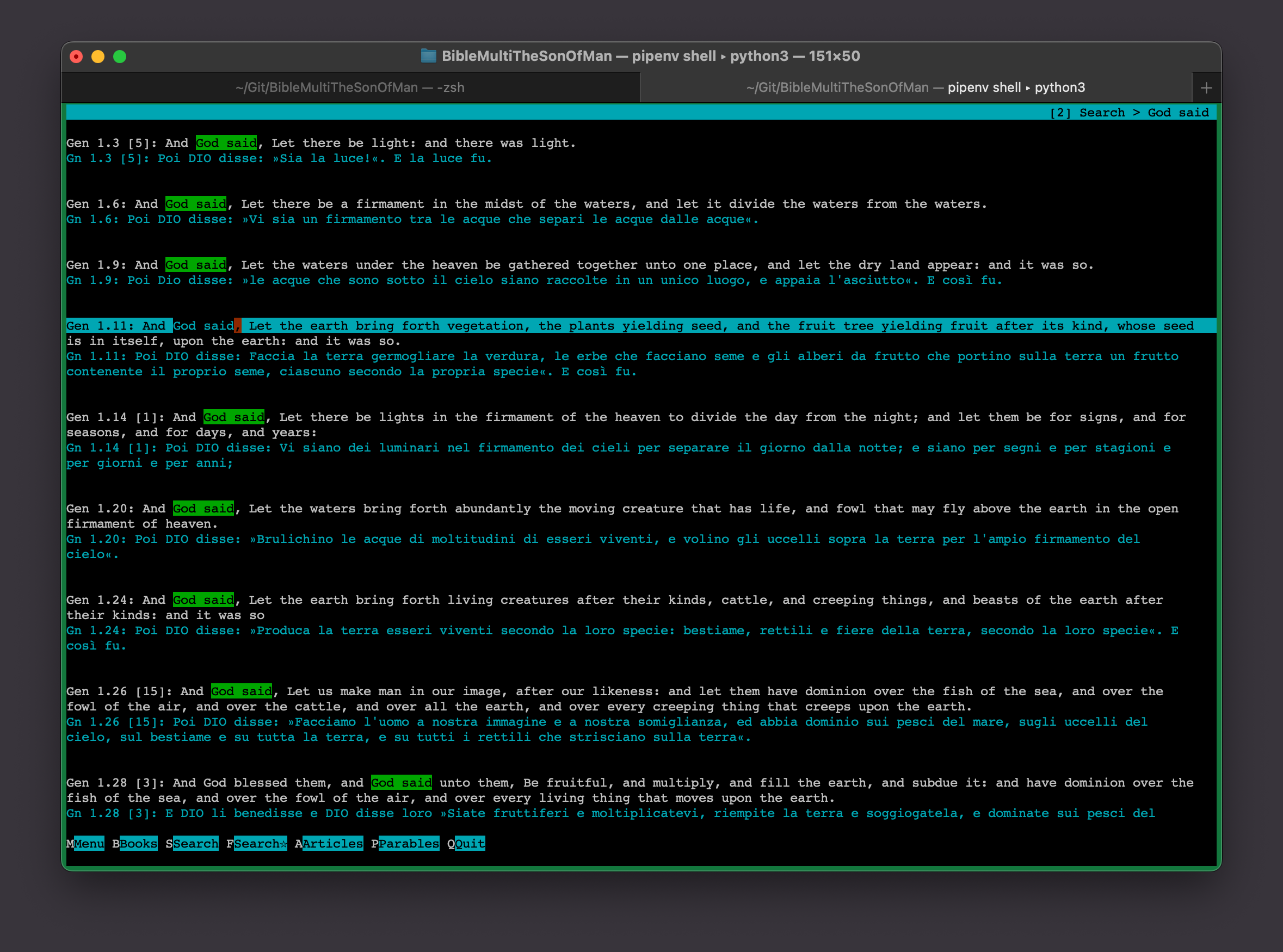
- Extensive Language Support: Access a massive selection of translations including English (KJV, Bible in Basic English, World English Bible), French (Louis Segond, Ostervald, Darby), Spanish (Reina Valera), Italian (Diodati), Portuguese (Almeida), and many others like German, Romanian, Polish, Russian, Turkish, Swahili, Arabic, Hindi, Bengali, Chinese, Japanese, Farsi, and Korean.
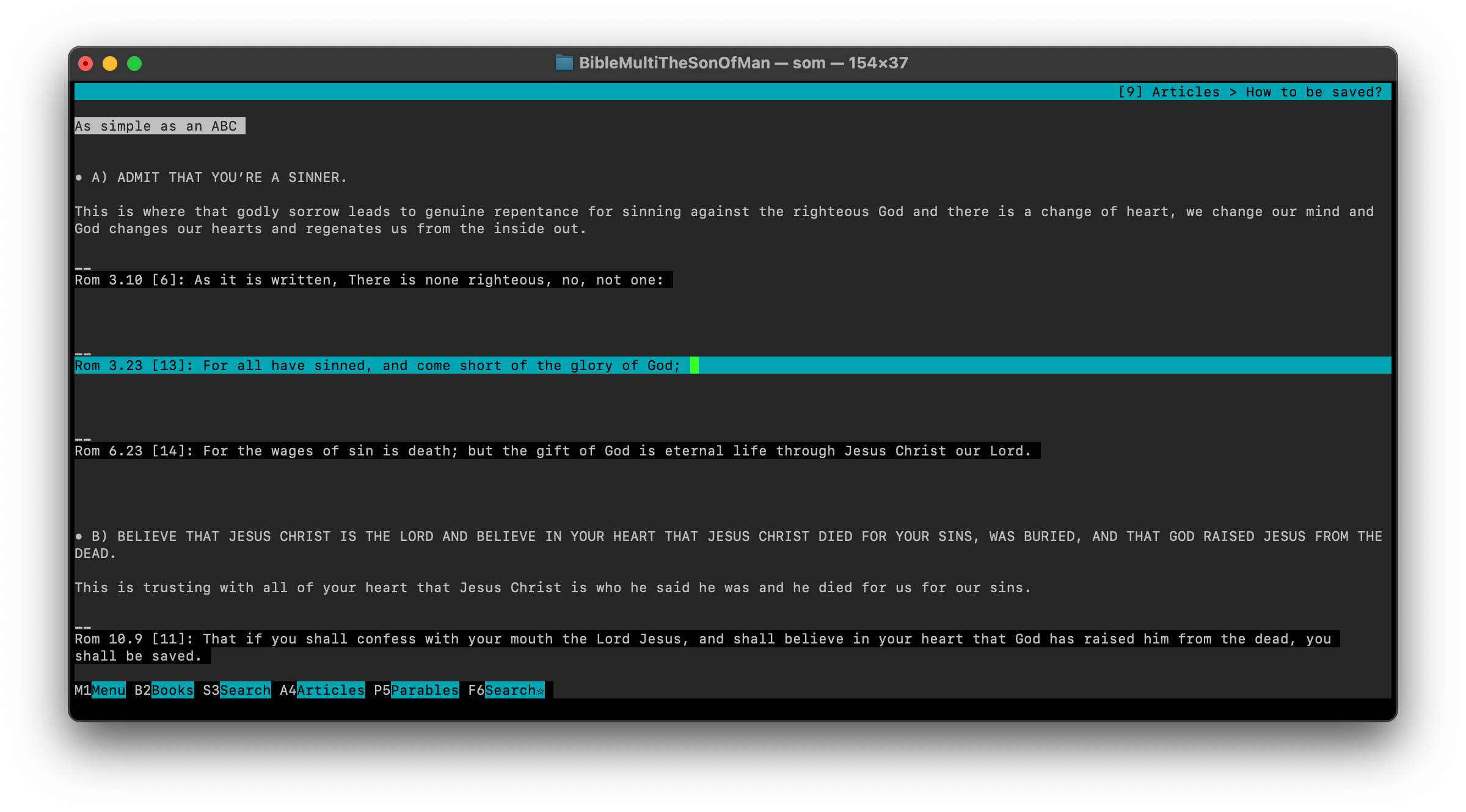
- Built-In Study Tools: Quickly navigate through your history, bookmark favorites, access cross-references, read parables, and search articles without leaving the interface.
Who is this Terminal Tool For?
The Sonofman offline terminal Bible is tailored specifically for users who spend their day in shell environments. Whether you are running a minimal Linux setup, managing a headless Raspberry Pi server, or simply enjoy the aesthetic and speed of terminal-based utilities, this application provides an elegant, keyboard-friendly way to study scripture. It is an ideal alternative to bloated modern apps, preserving system resources while keeping your workspace organized.
How to Explore Sonofman
If you value minimalism, speed, and privacy in your study tools, this command-line application is an outstanding addition to your development or server environment. To learn more about this project, view installation instructions, or find links to its graphical sister applications, visit the official Flathub store page today.
Rate the App
User Reviews









Popular Apps










Editor's Choice